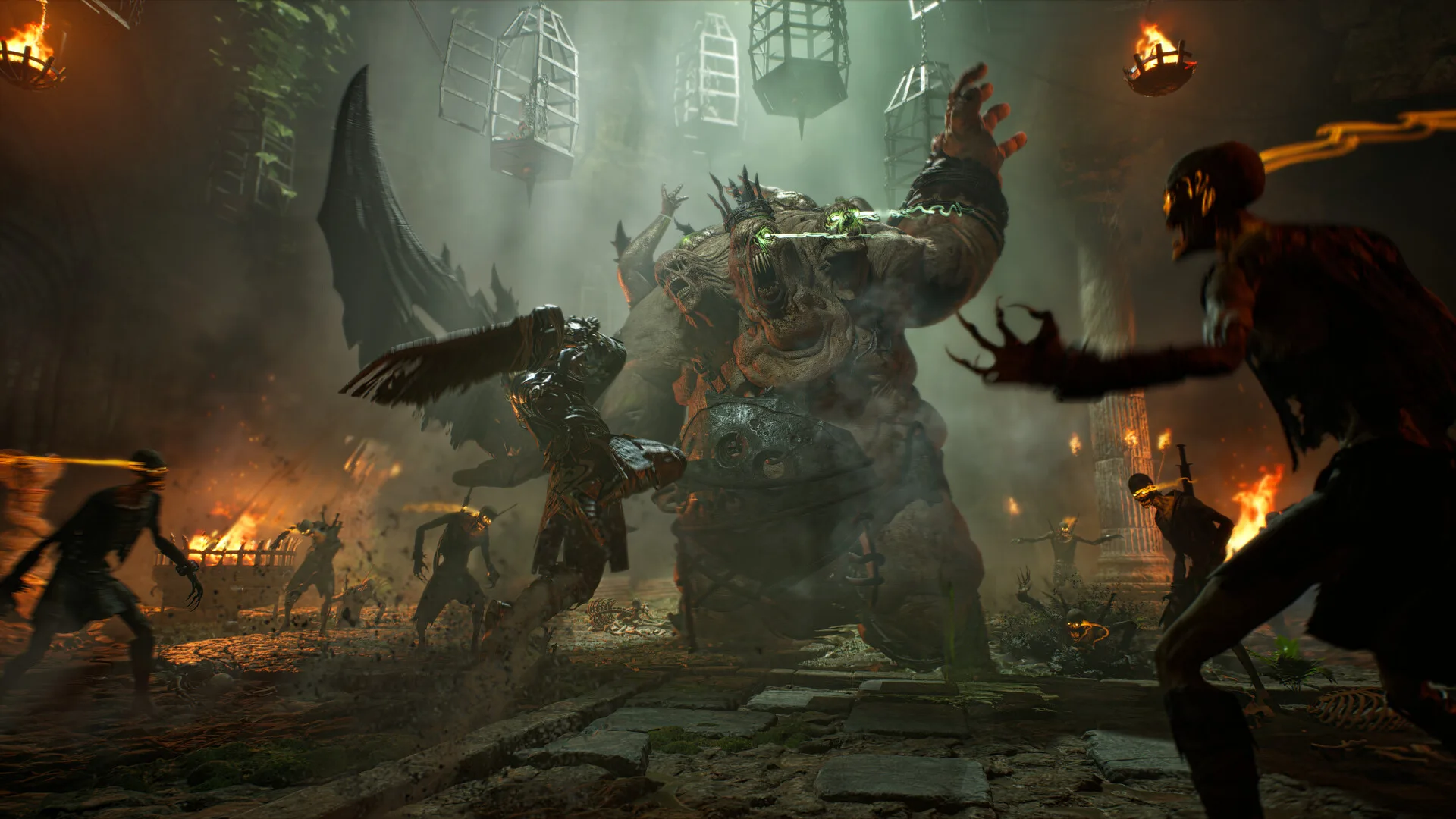
ArcheAge Chronicles needs a Windows 64-bit PC with at least 16 GB RAM, an Intel Core i5-10400 or AMD Ryzen 5 3600, and an RTX 2060 SUPER or RX 6600 with 8 GB VRAM. The recommended setup is 32 GB RAM, an i7-12700 or Ryzen 7 5700X, and an RTX 4060 Ti 16 GB or RX 7700 XT. You also need 100 GB of free space on an SSD. These figures are from the Steam store page.
Minimum and recommended
| Minimum | Recommended | |
|---|---|---|
| OS | Windows 10 64-bit | Windows 11 64-bit |
| CPU | Intel Core i5-10400 / AMD Ryzen 5 3600 | Intel Core i7-12700 / AMD Ryzen 7 5700X |
| RAM | 16 GB | 32 GB |
| GPU | NVIDIA GeForce RTX 2060 SUPER / AMD Radeon RX 6600 (8 GB VRAM) | NVIDIA GeForce RTX 4060 Ti 16 GB / AMD Radeon RX 7700 XT (12 GB VRAM) |
| DirectX | Version 12 | Version 12 |
| Storage | 100 GB, SSD required | 100 GB, SSD required |
| Target | 30 FPS, 1080p, Low, upscaling on Quality | 60 FPS, 1080p, High, upscaling on Quality |
What the targets mean
Steam states what each tier is aiming for. Minimum targets 30 FPS at 1080p on Low settings with upscaling set to Quality. Recommended targets 60 FPS at 1080p on High settings, again with upscaling on Quality.
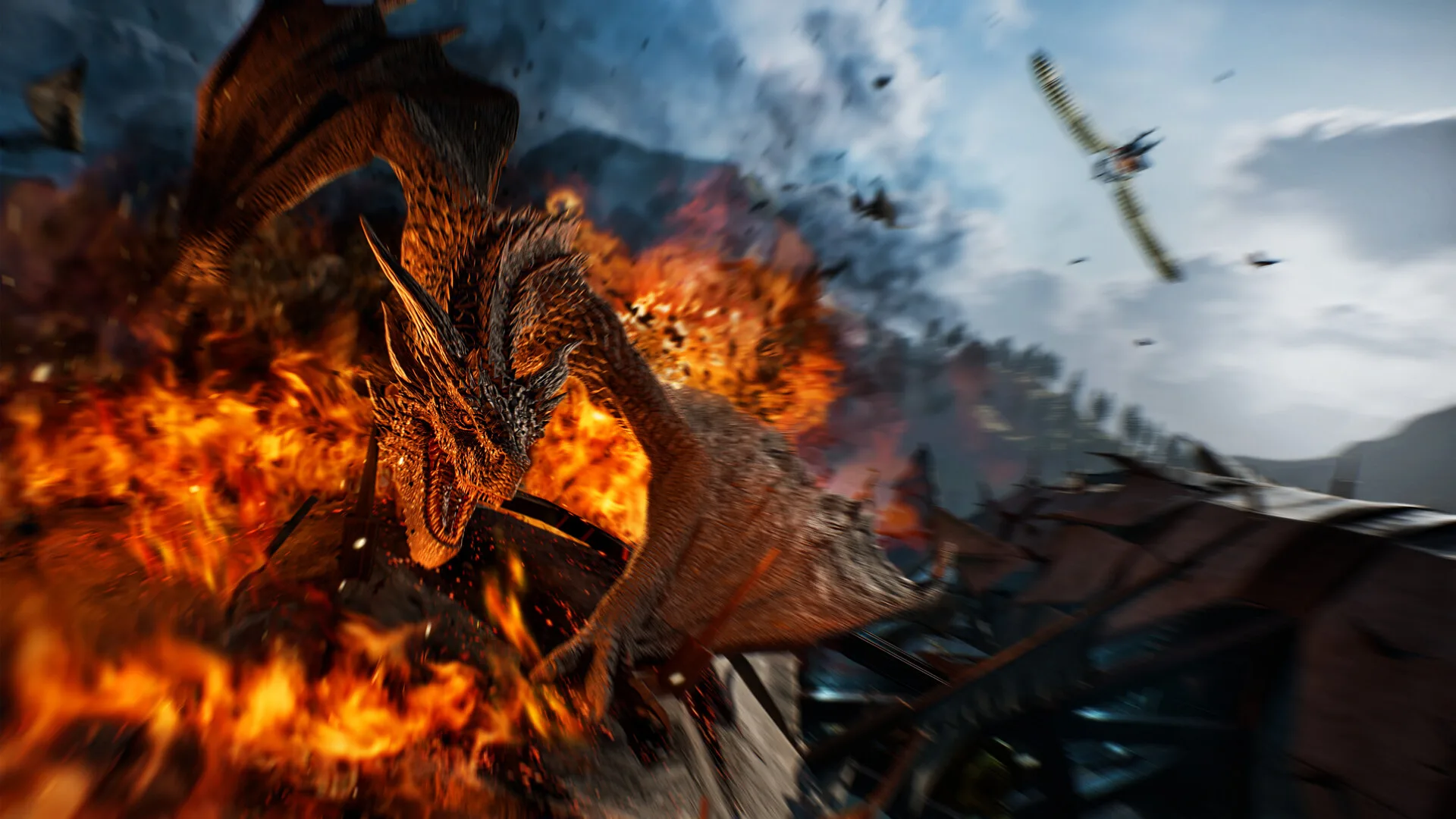
Both tiers assume upscaling is on. XLGAMES has not published targets for 1440p or 4K, so we cannot tell you what hardware those resolutions need. A sensible approach is to treat the recommended tier as the floor for anything above 1080p.
Storage
The listing asks for 100 GB and an SSD for both tiers. Plan for a bit of headroom, because updates are expected throughout Early Access. XLGAMES said it plans major and minor updates over roughly 9 to 12 months.
Platform
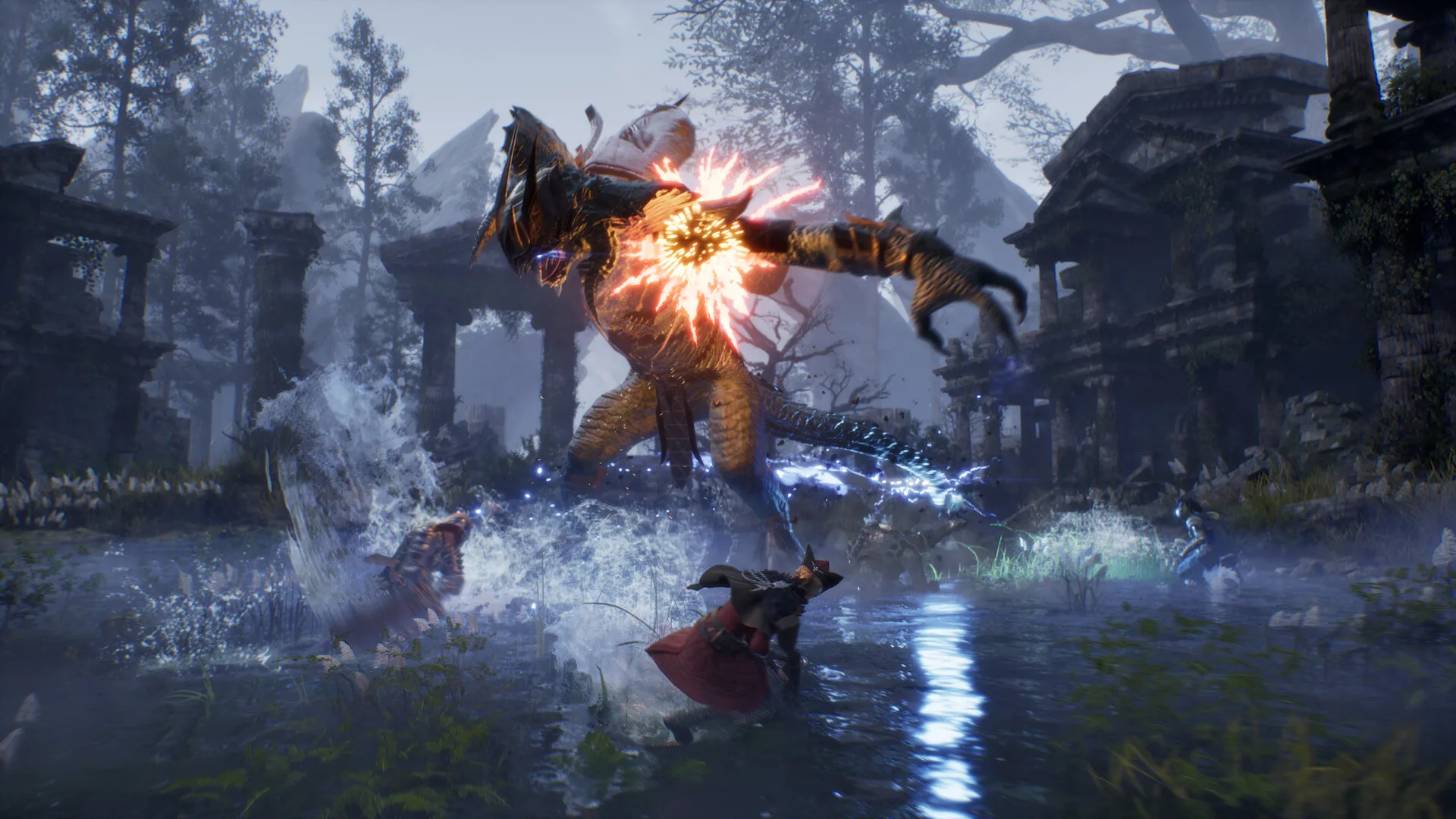
Steam lists Windows only. There is no Mac or Linux build listed. For PS5, Xbox and Steam Deck, see platforms.
Launch and performance fixes already announced
In his October 29 letter, Producer Ham listed fixes made after the Steam Next Fest demo:
- A shader compilation screen now appears on first launch, so you see the game loading instead of a black screen.
- Some disconnects and login errors from the demo were fixed.
- A bug that stopped the game launching alongside certain antivirus software was fixed.
- Multi-monitor support and fullscreen switching were improved.
- If upscaling or frame generation does not work on your system, the game now switches the setting automatically and tells you.
The letter also lists 10 UI shortcuts you can rebind and separate camera Y-axis inversion settings for mouse and controller.
Practical tips
- Let the shader compilation finish on first launch before you judge performance. A sensible approach is to wait for it rather than force-close the game.
- If you are near the minimum, keep upscaling on Quality, as that is what the minimum target assumes.
- Install on an SSD. The page says one is required, not just recommended.
XLGAMES has not published a separate graphics preset list or a frame-generation requirement. We will link to player and creator performance reports as they appear.